features
Platform Features for Members
Essential features and functionalities available to organization members, including challenge participation and collaboration tools.
1 min read
Applying to Challenges
In order to apply for a challenge, you must be associated with an organization or create one. Once you are a member or admin or an Organization, you will see the "Apply" button on the challenge page. Members can apply to challenges created by other organizations' admins or members. Challenges from your own organization are not eligible for application.
From the Left Navigation Bar, follow these steps:
- Click the Explore Tab and browse available challenges.
- Select a challenge to view its description and submission deadlines.
- Click + Apply, upload your submission document, and confirm.
- After submission, a confirmation message will appear on your screen.
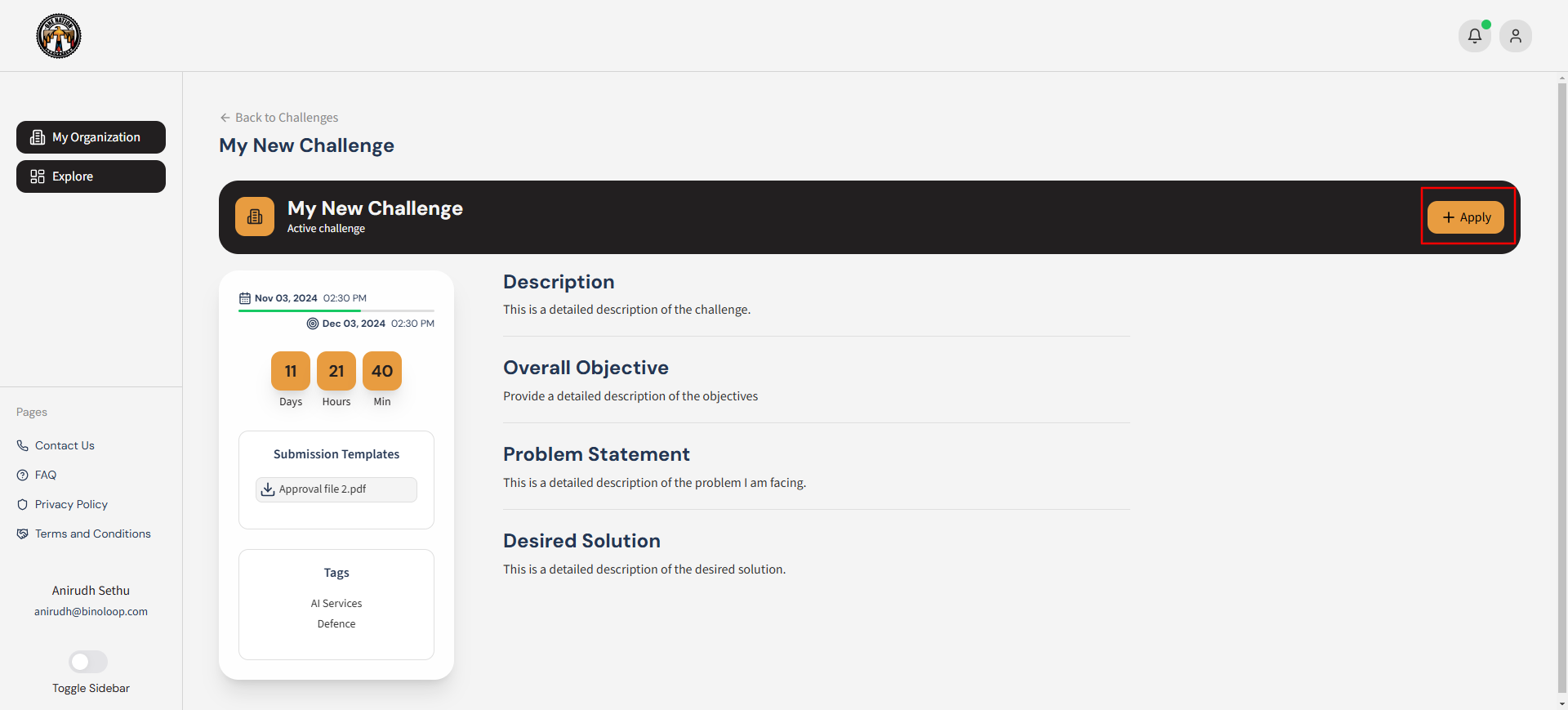
Figure 1: Member applying to a challenge using the Challenges Tab. Watch video here